
How do I setup my Cloud account?Updated 2 months ago
Setting up your Cloud account is easy!
When we ship your completed memories back to you, we also send an email detailing how to setup your Cloud account.
To create your Legacybox Cloud account click "activate" in the email you received or visit https://cloud.legacybox.com/ and simply enter the email address you used when placing your order. Then check your inbox. Click the link in your email and you’ll be directed to create a new password.
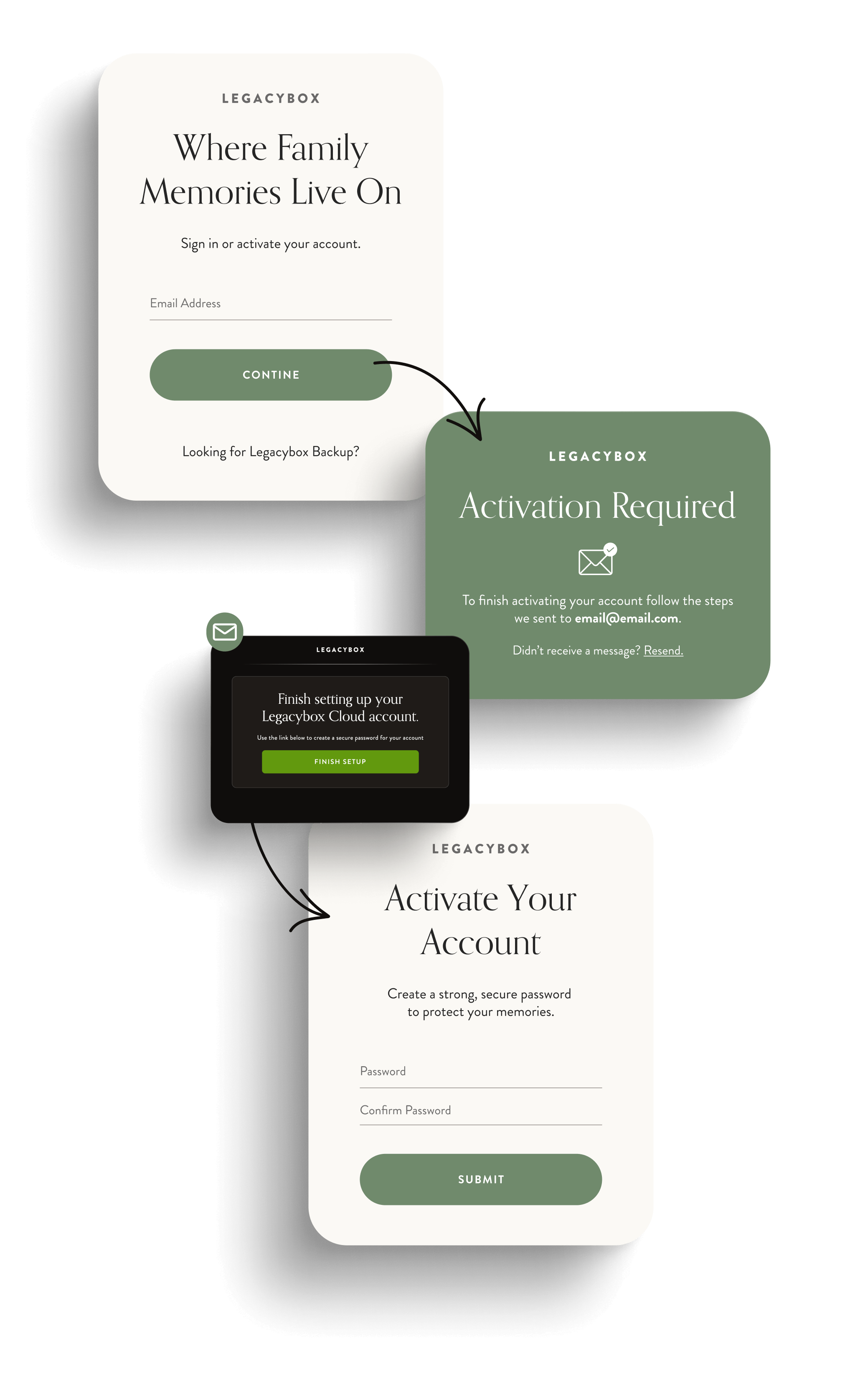
Click Create & Login.
Congratulations! Your Legacybox Cloud account is now set up. You can log in anytime using your email and password.